
How to Make an Angry Dance with a Photo and Reference Video
Give your character the exaggerated hand swings, shoulder pulses and mock-serious expression of an Angry Dance. Start with a character photo and a dance reference, transfer the performance, then refine the framing before sharing your clip.
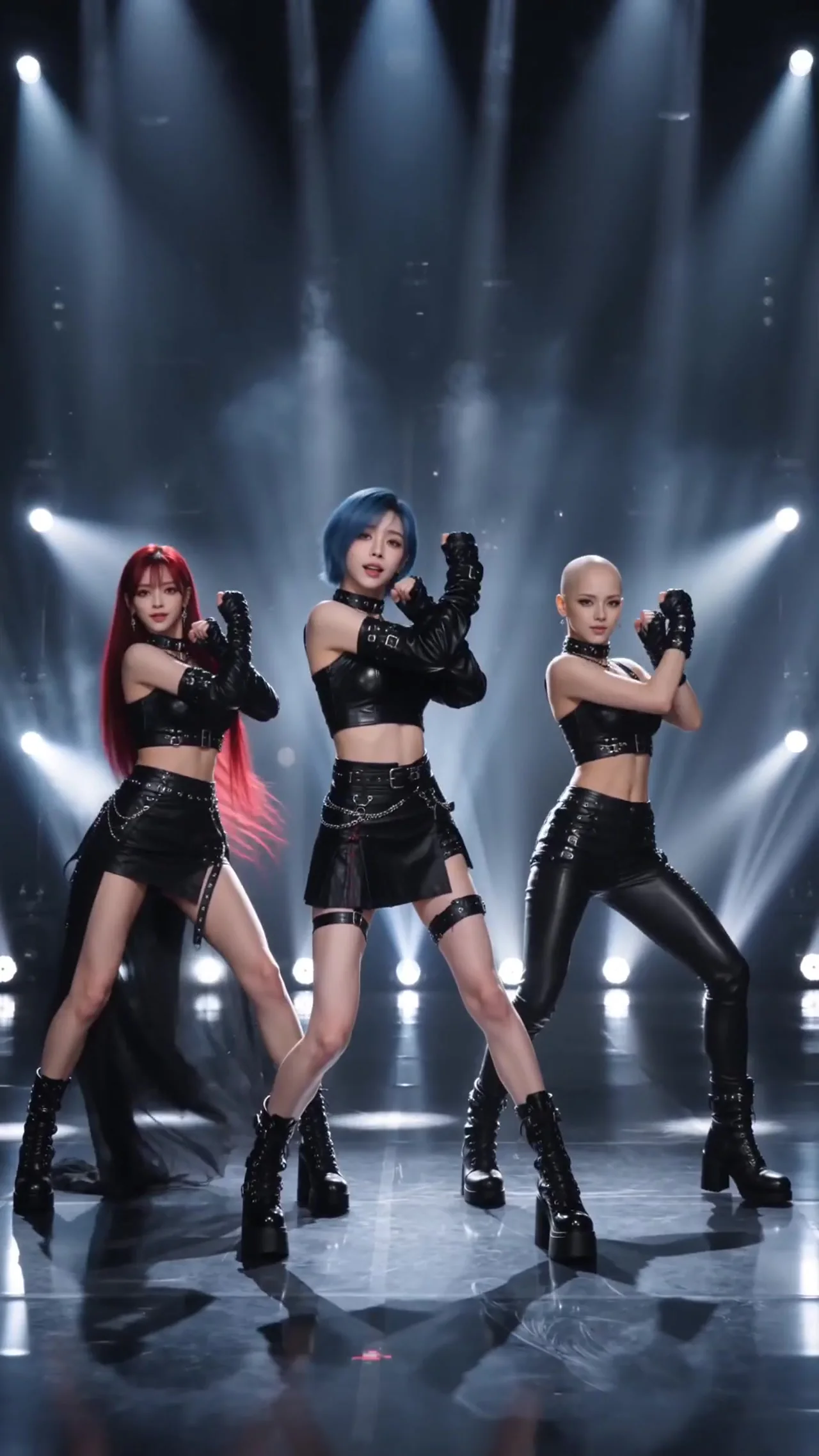
What makes an Angry Dance video funny?
The joke comes from a mock-angry expression paired with exaggerated dance moves. Recast that performance with a familiar character, outfit and setting to give the scene its own comic contrast.
How do you make the person in a photo copy the dance?
Upload a character photo and a movement reference in the motion transfer workspace. The photo guides appearance; the video guides body movement and rhythm. A clear reference communicates a specific performance more directly than simply asking for dancing.
What photo works best for an Angry Dance?
Choose a sharp, evenly lit image with visible hands and limbs. Use a full-body photo for footwork or a waist-up image for facial acting and hand gestures. Keep its framing close to the reference video.
How do you choose a dance reference?
Look for one clear subject, continuous movement and a steady camera. Keep the important gestures visible. Avoid frequent cuts, obstructions and the performer moving out of frame.
How do you keep the character and outfit recognizable?
Match the pose, framing and subject size across the photo and reference where possible. Reduce difficult turns and occlusion. Keep the same photo while changing one input at a time so you can compare the effect.
How do you make a vertical clip for sharing?
Start with vertical materials and leave room for the head, hands and feet. Preview the result for cropping and movement, then download it. Add beat alignment, captions and edits in your usual editing tool.
How do you make an Angry Dance video?
Choose the performance
Pick a clear dance reference and decide whether gestures, expressions or full-body steps are the focus.
Add the character and reference
Upload the character photo and movement video in the motion transfer workspace.
Review settings and generate
Choose supported output settings, review the credit estimate and submit your materials.
Preview, refine and download
Check the face, hands, movement and framing. Save the result you like or try clearer inputs.
angrydance: Angry Dance video questions
Do I need both a photo and a dance reference video?
Yes. The AngryDance motion control workflow needs a character photo and a dance reference video. The photo guides appearance and the video guides the performance.
What does the optional description do?
Use a short description to guide expression or visual details. It does not replace the character photo or dance reference video used by the motion control workflow.
Should I use a full-body or waist-up photo?
Use a full-body image for leg and foot movement. A waist-up photo suits facial acting and hand gestures. Match the reference framing as closely as possible.
Why are the hands distorted or the movement incomplete?
Blur, occlusion, fast gestures and mismatched framing can make the performance harder to follow. Try a clearer photo or a more continuous reference and change one input at a time.
Will the result automatically include the same music?
A movement reference guides performance; it does not establish that the original music will appear in the result. Check the generated audio and add your chosen track in an editor when needed.
How do I make an Angry Dance character series?
Keep one movement reference and swap character photos with similar framing. Consistent composition, timing and captions can help the clips feel like a series.