Kling O3
Explore Kling O3 on angrydance. Review the available workflows and supported settings, then open the matching creative tool.
Open the creative workspace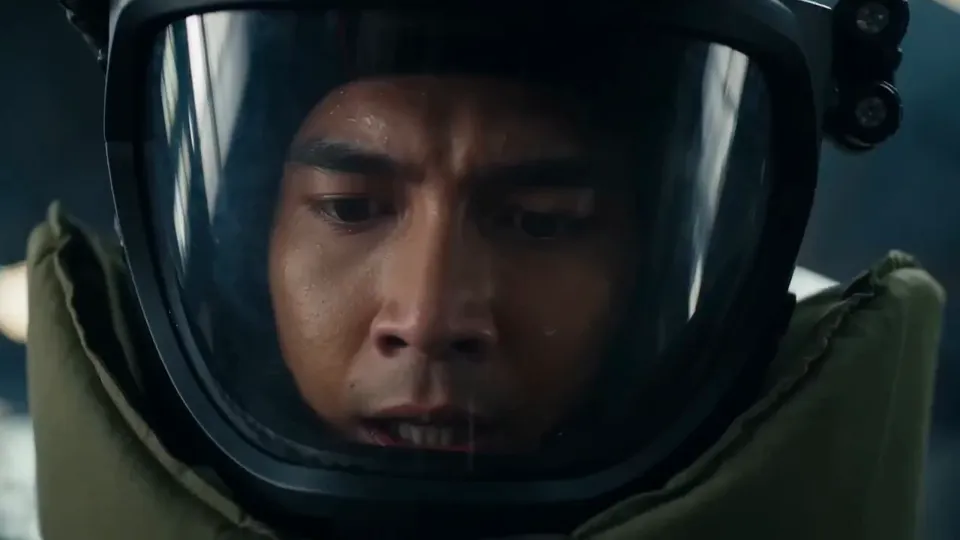
Kling O3 · Supported workflows
Why choose Kling O3?
Explore the creative workflow, from the first prompt to your next edit.
Intelligent prompt guidance
Describe subjects, actions, environments and details in natural language. Turn an abstract idea into clear creative instructions, then refine your prompt to bring the result closer to your vision.
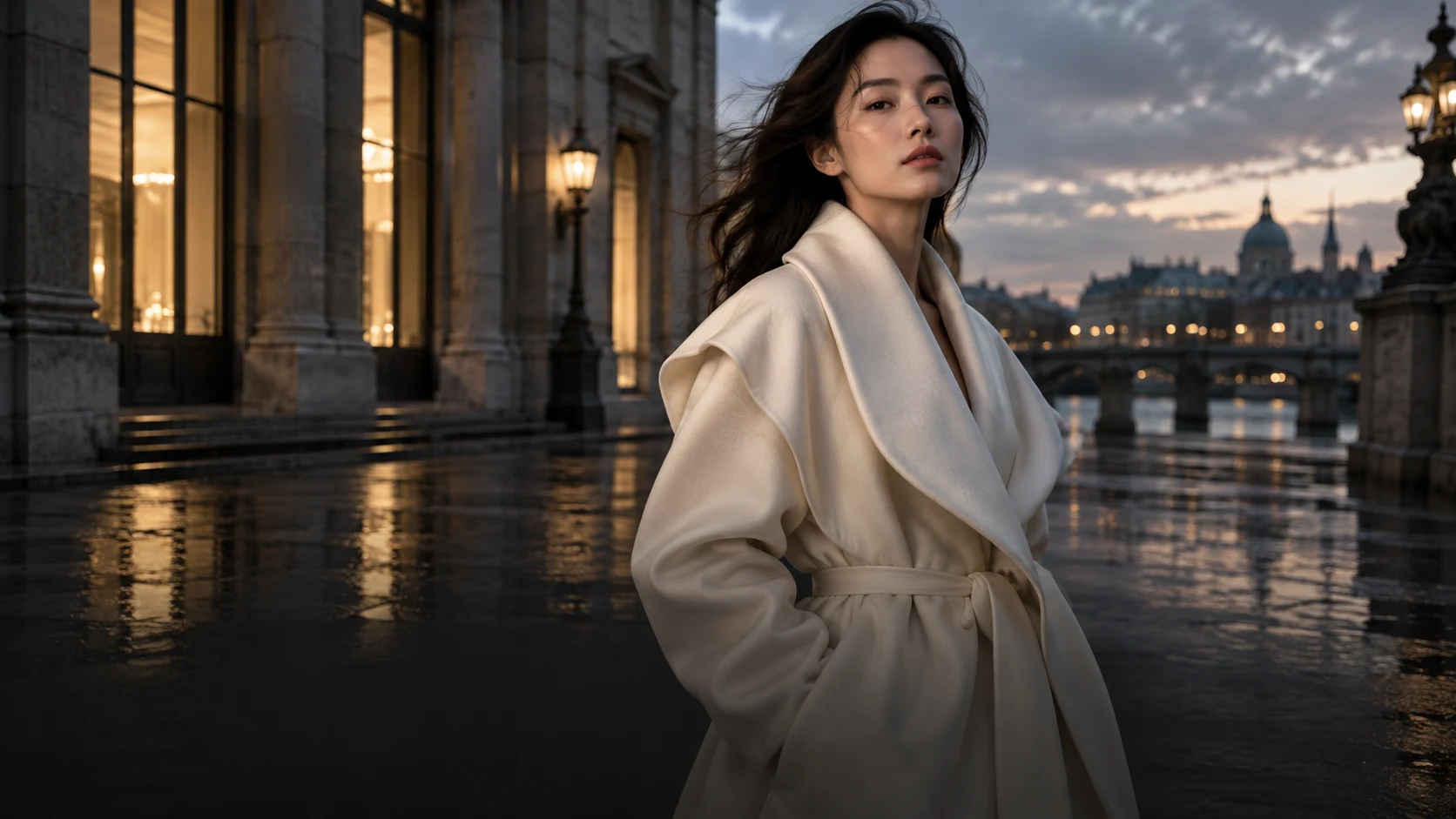
Consistent character direction
Use visual references to carry a character’s appearance, clothing and style across scenes. Build a connected direction for stories, product presentations and branded content.
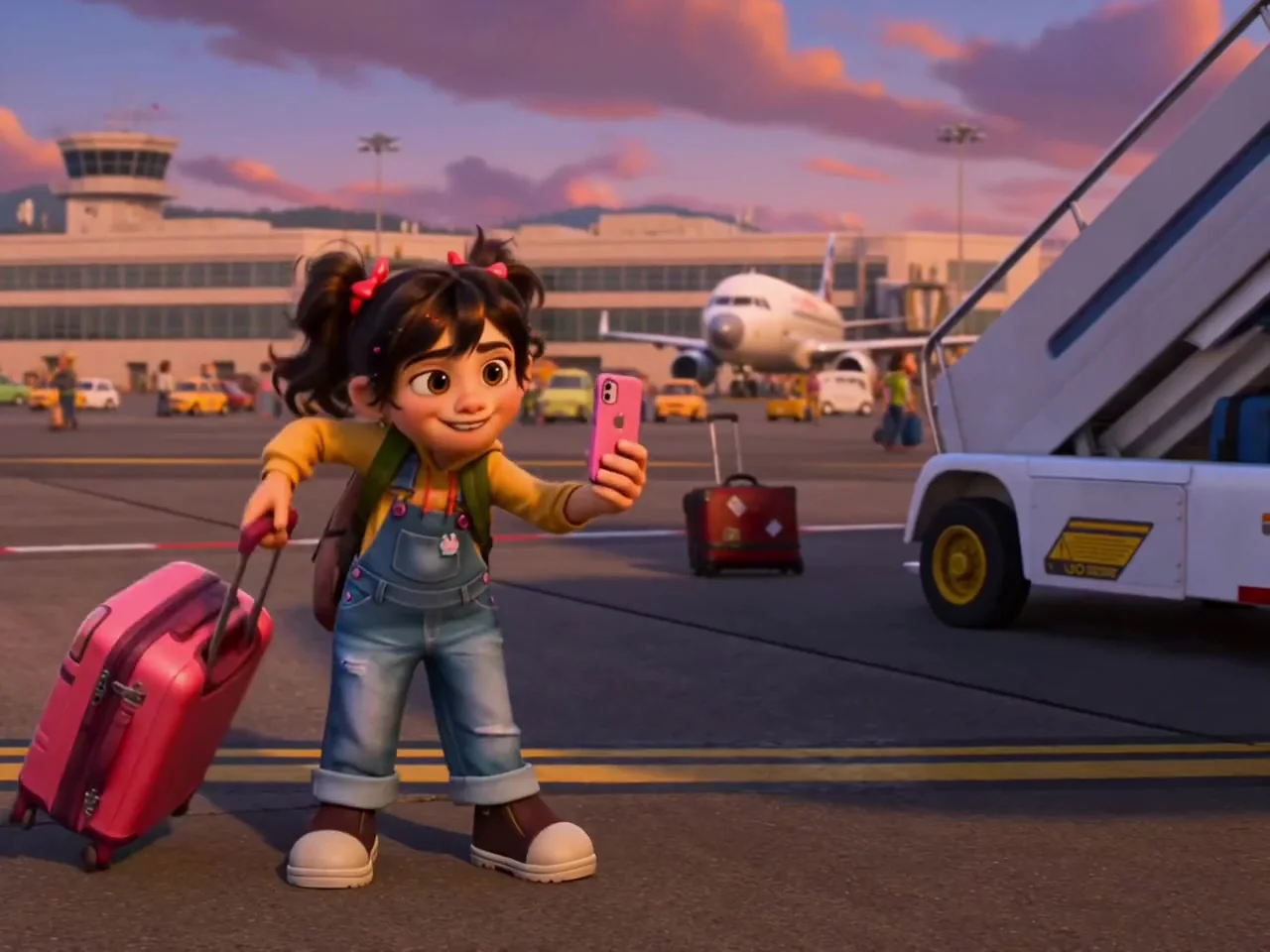
Scene-aware creation
Start with the composition, lighting and atmosphere of your reference. Describe what should stay and what should change so new visual elements fit the scene naturally.
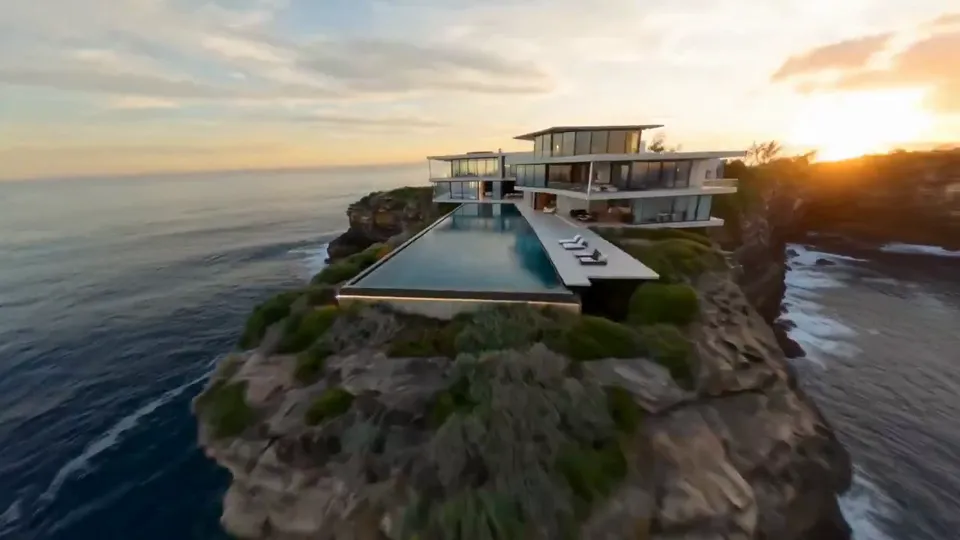
Supported settings
Choose the available model controls and check the credit estimate.

Flexible style exploration
Explore realistic imagery, illustration, cinematic looks and stylized concepts. Combine a style description with references to develop a recognizable visual direction.
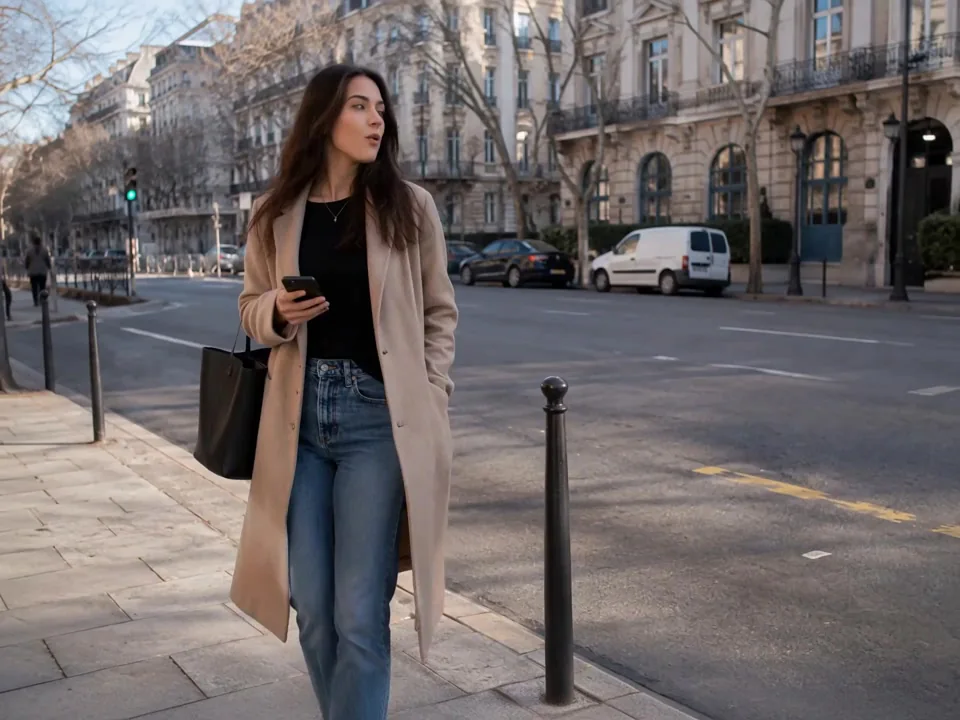
Multi-subject composition
Describe the position, interaction and expression of several subjects in one scene. Use references to organize relationships and give a complex composition a clear focal point.
Kling O3 · Available settings
| Available settings | Text to video | Image to video |
|---|---|---|
| Prompt length | 3072 | — |
| Aspect ratio | 16:9 / 9:16 / 1:1 | — |
| Resolution | 720p / 1080p / 4k | — |
| Duration | 3 / 4 / 5 / 6 / 7 / 8 / 9 / 10 / 11 / 12 / 13 / 14 / 15 | — |
How to use Kling O3
A straightforward workflow for creators, designers and marketing teams. Bring a reference, describe your direction and develop your next visual.
- 01
Add your references
Start with a text idea or upload a reference for your product, character or scene. Choose the workflow that fits the content you want to create.
- 02
Describe your idea
Write the changes, style and details you want. Set the aspect ratio and output options, then review your prompt before creating.
- 03
Review settings and credits
Choose the available output settings, check the credit estimate and submit when ready.
- 04
Review and download
Preview the finished result, compare it with your creative direction and download the version you want to use. Reuse your references for the next iteration.
Where to use Kling O3
Develop a visual direction for your next project.
Natural-language creation
Guide your visual with familiar words. Describe the details that matter and refine your creative direction without a complicated setup.
Connected character stories
Bring the same character references into new scenes, keeping appearance and style at the center of your creative process.
Thoughtful scene integration
Use composition, lighting and background references together to build a cohesive direction for each scene.
Focused iteration
Adjust your prompt and settings in one place. Compare directions and develop the version that best serves your project.
A reusable reference workflow
Keep product images, character details and style references close to the idea. Build a consistent direction across a series.
Content for real projects
Develop visual concepts for social media, campaigns, product presentations and stories with a workflow that fits your creative process.
Kling O3 FAQs
How many free creations can I make?+
Explore Kling O3 on angrydance. Review the available workflows and supported settings, then open the matching creative tool.
Where can I earn more credits?+
Open Earn credits to see the tasks and rewards currently available to your account. You can also compare paid options on the pricing page.
Why choose Kling O3?
Explore Kling O3 on angrydance. Review the available workflows and supported settings, then open the matching creative tool.
Open the creative workspacePricing