Kling 3.0 Turbo
Kling 3.0 Turbo is the faster video model in the Kling 3.0 series. It balances high-quality visuals, smooth motion, close prompt adherence, multi-shot continuity and precise audio-visual sync with stronger value per clip. Start from a written idea or one photo and get a 3 to 15 second video at 720p or 1080p, with sound always included.
Create nowKling 3.0 Turbo Core Features
Kling 3.0 Turbo keeps the visual and motion quality of the Kling 3.0 series while cutting generation time. It is built for creators who test many prompts, compare scene directions and need a polished clip without waiting long. Every feature below works in both text to video and image to video, and every clip arrives with sound that matches the picture, so a finished draft is ready to post or to refine.
Faster Video Results With Strong Value
Kling 3.0 Turbo reduces generation time while keeping the quality expected from the Kling 3.0 series. Faster output matters when you test different prompts, compare scene directions, make several ad variations or refine a short concept through repeated tries. The lower cost per second makes regular, larger-scale creation practical when speed, quality and budget all count.
- Shorter waits between ideas and results
- Lower credit cost than Kling 3.0 at the same resolution
- Ideal for testing many prompts and variations
Cinematic Video Quality
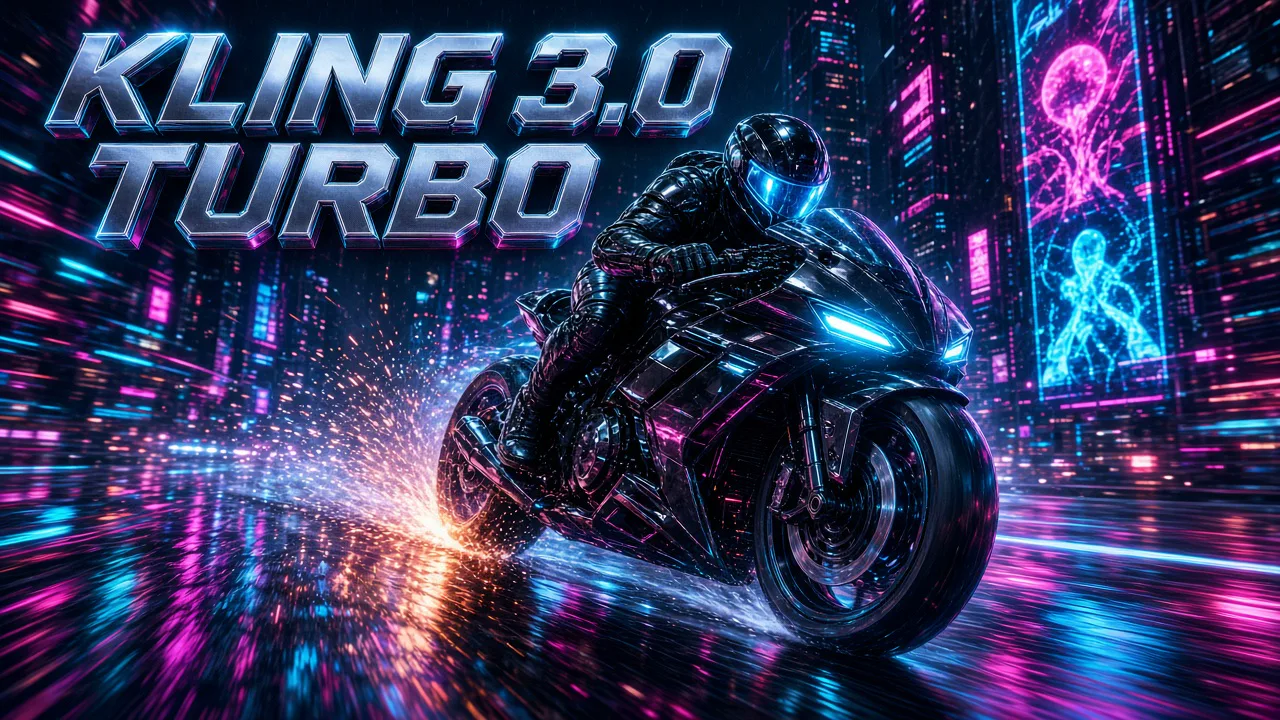
Kling 3.0 Turbo creates polished scenes with detailed environments, refined lighting, natural subject movement and a strong visual atmosphere. Results can feel close to theater-grade visuals, with complete scene texture and expressive motion. That makes it a good fit for brand videos, product showcases, social clips, short narrative scenes and campaign concepts that need a premium look.
- Detailed environments and refined lighting
- Natural movement for people, objects and cameras
- Smooth long takes without visible cuts
Text to Video and Image to Video
Start from a written idea or an existing image. Text to video follows detailed prompts about subject behavior, camera movement, action flow, scene atmosphere and visual style. Image to video animates your photo as the first frame while keeping the main subject, composition and visual identity stable, then adds camera motion, environmental movement and lighting changes.
- One prompt of up to 2,500 characters
- One JPG or PNG photo, up to 10 MB, as the first frame
- Subject, composition and style stay recognizable
Precise Audio-Visual Sync
Every video comes with sound. Speech timing, lip movement, facial expression and dialogue rhythm line up closely with the picture. Sync stays stable in longer clips too, which suits talking-head videos, voice-driven storytelling, narration and character-based formats. Write the lines in your prompt and the characters speak them.
- Sound is always on, no extra setting
- Natural lip sync for dialogue and narration
- Stable sync across clips up to 15 seconds
Multi-Shot Storytelling
Kling 3.0 Turbo follows multi-shot storyboard logic. Describe shot one, shot two and the next beats in your prompt, and the model keeps smooth transitions, a unified visual style and clear continuity across the scenes. A short story, ad or trailer can come out of one generation instead of being stitched together from separate clips.
- Several shots in one 3–15 second video
- Consistent characters, light and color between shots
- Clean cuts that follow your storyboard
How to Create With Kling 3.0 Turbo
Three steps from idea to finished clip with Kling 3.0 Turbo. The workspace checks your photo and settings and shows the credit quote before you generate.
- 01
Write a Prompt or Add a Photo
Describe the subject, action, camera movement, atmosphere, visual style and any dialogue in up to 2,500 characters. To animate an image, add one JPG or PNG up to 10 MB; it becomes the first frame. For several shots, write them in order: shot one, shot two, shot three.
- 02
Choose Length and Resolution
Pick any length from 3 to 15 seconds and choose 720p or 1080p. For text to video, also pick 16:9, 9:16 or 1:1. Image to video follows the shape of your photo. Sound is always generated with the picture, so there is nothing to switch on.
- 03
Generate and Download
Check the credit quote, then start the task. The model renders the clip with matching sound. Download the MP4 or adjust the prompt and run another variation, which is where the faster turnaround pays off.
Kling 3.0 Turbo vs Kling 3.0
Same Kling 3.0 family, two priorities. Kling 3.0 Turbo is the faster, lower-cost pick for regular creation. Kling 3.0 adds end frames, 4K and an optional silent mode.
| Compare | Kling 3.0 Turbo | Kling 3.0 |
|---|---|---|
| Best for | Fast iterations, ads, social clips and dialogue scenes | Premium shots that need end frames or 4K |
| Generation speed | Faster | Standard |
| Inputs | Text, or one photo as the first frame | Text, or start frame with optional end frame |
| End frame | Not supported | Supported |
| Sound | Always on | On or off |
| Multi-shot | Supported | Supported |
| Length | 3–15 seconds | 3–15 seconds |
| Resolution | 720p or 1080p | 720p, 1080p or 4K |
| Aspect ratio | 16:9, 9:16, 1:1 (text to video) | 16:9, 9:16, 1:1 |
| Prompt length | Up to 2,500 characters | Up to 2,500 characters |
| Credits on AngryDance | 36 per second at 720p · 45 per second at 1080p | 40 per second at 720p · 54 per second at 1080p with sound |
| 10-second clip | 360 credits at 720p · 450 at 1080p | 400 credits at 720p · 540 at 1080p with sound |
Kling 3.0 Turbo FAQ
Quick answers about what the model makes, which inputs it accepts, how long clips run, how sound works and what each clip costs.
What is Kling 3.0 Turbo?+
Kling 3.0 Turbo is the faster video model in the Kling 3.0 series. It creates text-to-video and image-to-video clips with cinematic visuals, smooth motion, accurate prompt following, multi-shot continuity and synced sound, at a lower cost per second than Kling 3.0.
What can I create with it?+
Short ads, social media clips, product showcases, talking-head videos, dialogue scenes, narration videos and short multi-shot stories. It suits any idea that needs a polished 3 to 15 second clip quickly, from a launch teaser or seasonal promotion to a character introduction, a travel moment or a quick product reveal for TikTok, YouTube Shorts and Reels.
Does it work for text to video?+
Yes. Describe the subject, action, camera movement, atmosphere, style and dialogue in up to 2,500 characters, choose 16:9, 9:16 or 1:1, and the model builds the scene from your words.
Can it turn a photo into a video?+
Yes. Upload one JPG or PNG up to 10 MB. The photo becomes the first frame, and the model animates it while keeping the main subject, composition and visual identity stable. End frames are not supported; use Kling 3.0 for start-and-end transitions.
Does every video have sound?+
Yes. Sound is always generated together with the picture, including voices, effects and ambience. Write dialogue in quotes in your prompt to make characters speak; lip movement follows the words.
How long are the videos and what resolution?+
Choose any length from 3 to 15 seconds and 720p or 1080p. Longer clips leave room for several shots or a complete action in one take.
Is it good for talking-head or voice-driven videos?+
Yes. Audio-visual sync is one of its strengths: speech timing, lip movement and facial expression line up closely, and sync stays stable in longer clips. Write the spoken lines in quotes, say who speaks and in what tone, and keep one main speaker per shot for the cleanest result.
How many credits does Kling 3.0 Turbo use?+
36 credits per second at 720p and 45 credits per second at 1080p on AngryDance. A 5-second clip costs 180 or 225 credits, a 10-second clip 360 or 450, and a 15-second clip 540 or 675. The workspace shows the exact quote first, and new accounts can claim free credits.
How is it different from Kling 3.0?+
Turbo is faster and costs less per second while keeping Kling 3.0 visual quality, sync and multi-shot logic. Kling 3.0 adds end frames, 4K output and the option to switch sound off. Choose Turbo for drafts, variations and everyday clips, and Kling 3.0 when a shot needs a fixed final frame or the highest resolution.
Why is it useful for high-volume creation?+
Shorter waits and a lower price per second make it practical to test many prompts, compare scene directions and produce several ad or social variations in one session.
How do I get the best results?+
Write one clear subject and action, name the camera move, describe the light and mood, and put any dialogue in quotes. For multi-shot videos, number the shots. For image to video, use a sharp, well-lit photo whose framing already matches the opening shot you want.