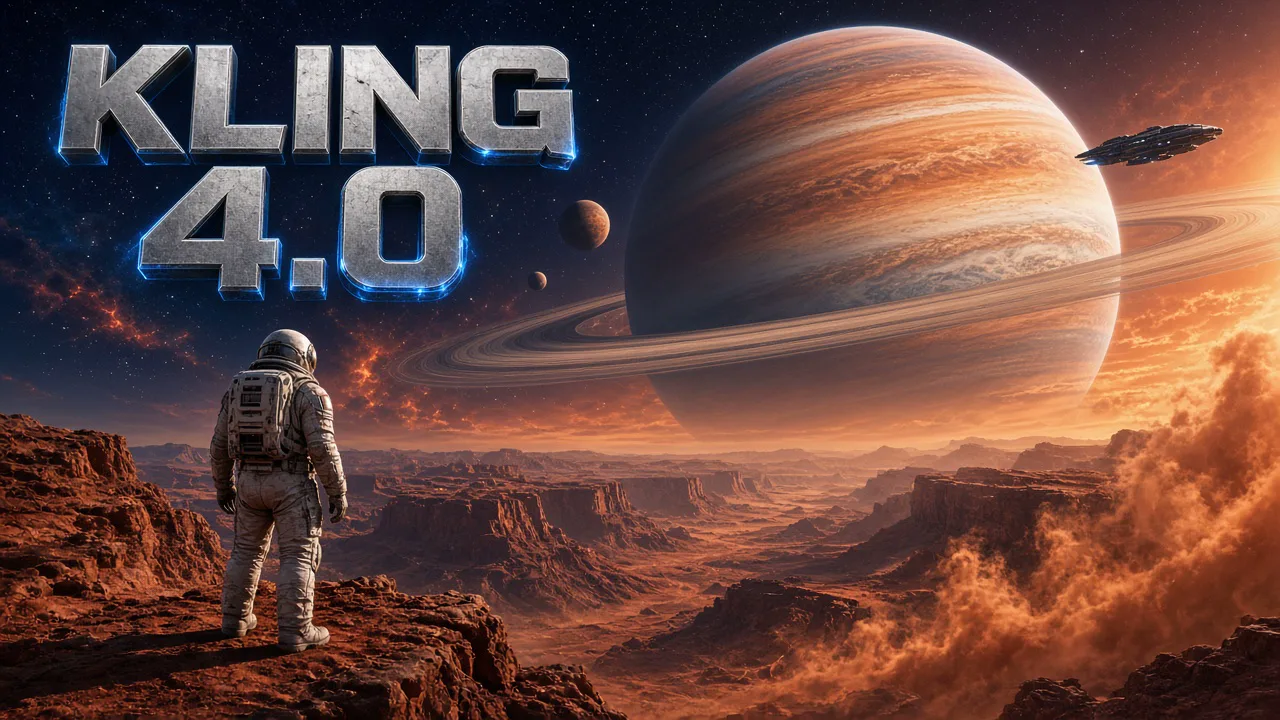
Kling 4.0
Kling 4.0 is a next-generation AI video model for professional video creation. It delivers realistic motion and synchronized audio in videos up to 30 seconds long, in 720p and 1080p. Start from a text prompt, or add a start frame and an optional end frame, and Kling 4.0 turns the idea into a complete, controllable scene.
Create nowKling 4.0 Core Features
Kling 4.0 brings more stable complex motion, more lifelike audio and longer, more coherent storytelling than earlier Kling models. Every Kling 4.0 video is generated with matching sound, and you decide how much to direct: a written scene, a first frame, or a first and last frame that set where the shot begins and ends.
Stable Motion and Complex Camera Moves
Kling 4.0 handles large-scale scenes with ease. High-speed movement, continuous action, tracking shots and orbit shots stay smooth and stable, so a chase down a busy street or a run that turns into a sprint keeps its shape from the first frame to the last. Bodies keep their proportions, clothing keeps its length, and the crowd stays in place behind the action. Even a 30-second Kling 4.0 take can hold one continuous camera move without the scene drifting apart.
- High-speed action without warping
- Tracking, orbit and handheld camera moves
- Crowds and backgrounds stay consistent
Native Audio and Accurate Lip Sync
Sound is generated together with the picture. Kling 4.0 produces dialogue, ambience and music in two-channel stereo, and its lip sync keeps voices and performances naturally aligned. Write the lines in the prompt and the characters speak them with matching mouth shapes, pauses and expressions, in many languages, accents and dialects. Background sounds such as footsteps, traffic or a busy room are layered under the voices automatically, so the scene sounds finished without any separate editing.
- Dialogue, ambience and music in stereo
- Lip sync matched to every line
- Many languages, accents and dialects
Start and End Frame Control
Add one image as the first frame and Kling 4.0 continues the story from it. Add a second image as the last frame and the model plans the movement between the two, so the shot lands exactly where you want it, for example a slow pull-back that ends on the full composition of a painting. Mention them in the prompt as @first_frame and @last_frame.
- Animate any start image
- Optional end frame for a planned ending
- Smooth transitions between the two
Detailed Textures and Realistic Lighting
Kling 4.0 renders fine material detail and believable light. Glowing metal, sparks, smoke, skin and fabric hold up in close-ups, and hands keep visible contact with the objects they hold. Backlit, night and neon scenes keep their highlight and shadow detail, which makes Kling 4.0 a strong choice for product shots and cinematic close-ups. Describe the light in the prompt, such as warm sunset, cold neon or soft window light, and the materials react to it.
- Close-up material detail
- Natural hand-and-object contact
- Rich highlights and shadows
30-Second Stories in Any Style
Choose any length from 3 to 30 seconds. With the longer duration, Kling 4.0 keeps continuous actions and the story moving across a whole sequence, and a prompt of up to 8,000 characters gives you room to describe several beats in order. Realistic vlogs, product ads, short dramas, music videos, claymation and stylized 3D are all within reach.
- Any length from 3 to 30 seconds
- Prompts up to 8,000 characters
- Realistic, animated and stylized looks
How to Create With Kling 4.0
Three steps from an idea to a finished clip with sound. The workspace checks your files and shows the credit quote before anything is generated. Nothing is generated until you confirm, and files outside the accepted format or size are refused with a clear reason so you can fix them and try again.
- 01
Write a Prompt or Add Frames
Describe the subject, action, camera movement, lighting, style and any dialogue in up to 8,000 characters. To animate an image, add one JPG or PNG up to 10 MB as the start frame, and optionally a second image as the end frame. Or switch to Omni reference and add up to 10 reference images and one 2–30 second reference video, mentioned as @image_1 or @video_1.
- 02
Choose Length, Resolution and Shape
Pick any length from 3 to 30 seconds and choose 720p or 1080p. For text-only videos, pick 16:9, 9:16, 1:1 or ultrawide 21:9; with a start frame, the video follows the shape of your image. Sound is always generated with the picture.
- 03
Generate and Download
Check the credit quote, which follows the length and resolution you chose, then generate. Preview the clip with its sound, download the MP4, or refine the prompt and run another take.
Kling 4.0 vs Kling 3.0 Turbo
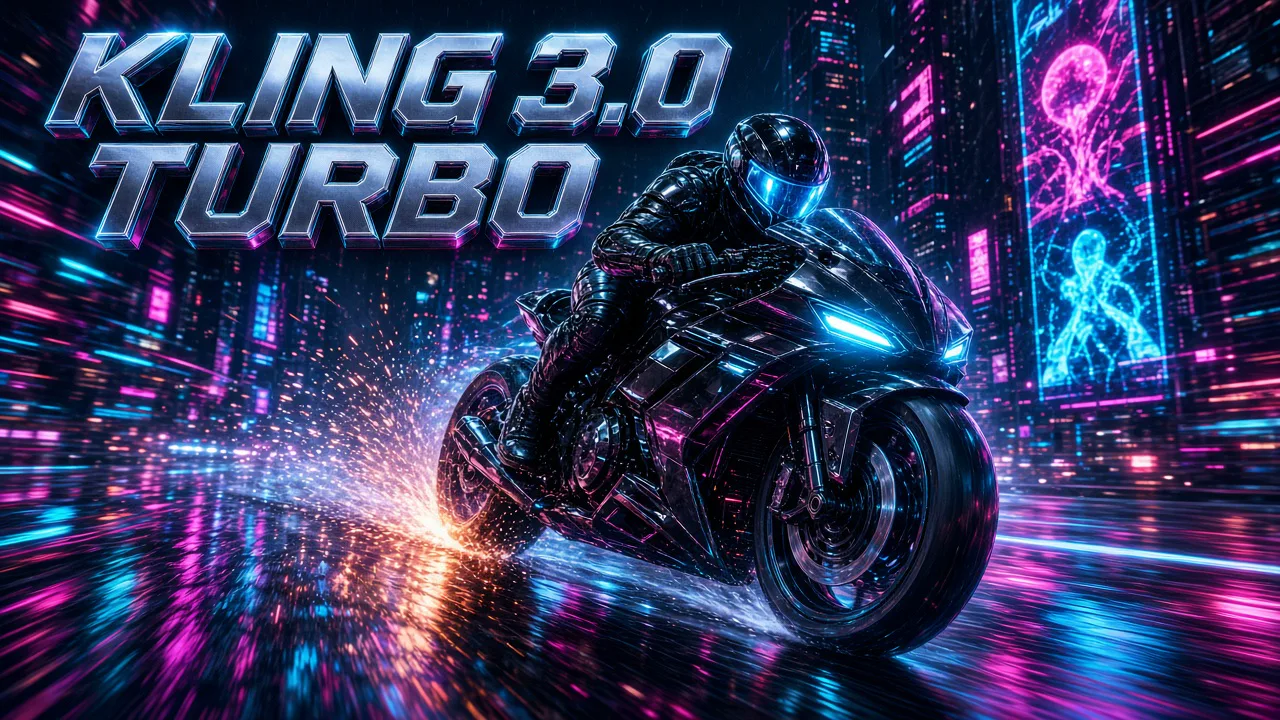
Both models generate video with native sound from text or an image. Kling 4.0 adds clips up to 30 seconds, an end frame, ultrawide 21:9 and more stable complex motion. Kling 3.0 Turbo is the faster, lower-cost choice for short clips up to 15 seconds. Many creators draft ideas quickly with the Turbo model and then render the final, longer version with Kling 4.0.
| Compare | Kling 4.0 | Kling 3.0 Turbo |
|---|---|---|
| Best for | Longer stories, ads, cinematic scenes | Fast iterations, social clips, dialogue |
| Inputs | Text, start/end frames, or up to 10 reference images plus a reference video | Text, or one photo as the first frame |
| End frame | Supported | Not supported |
| Sound | Always on, stereo | Always on |
| Length | 3–30 seconds | 3–15 seconds |
| Resolution | 720p or 1080p (4K coming soon) | 720p or 1080p |
| Aspect ratio | 16:9, 9:16, 1:1, 21:9 | 16:9, 9:16, 1:1 |
| Prompt length | Up to 8,000 characters | Up to 2,500 characters |
| Complex motion | Most stable: tracking, orbit, high speed | Stable for everyday action |
| Generation speed | Standard | Faster |
| Credits on AngryDance | 57 per second at 720p · 85 per second at 1080p | 36 per second at 720p · 45 per second at 1080p |
| 10-second clip | 570 credits at 720p · 850 at 1080p | 360 credits at 720p · 450 at 1080p |
Kling 4.0 FAQ
Quick answers about length, resolution, frames, sound and credits.
What is Kling 4.0?+
Kling 4.0 is a next-generation AI video model for professional video creation. It generates realistic motion with synchronized audio from a text prompt or from start and end frames, in clips up to 30 seconds long.
How long can a Kling 4.0 video be?+
Any length from 3 to 30 seconds. Longer clips keep continuous action and story development, so you can tell a complete moment in a single generation.
What resolutions does Kling 4.0 support?+
You can choose 720p or 1080p. 4K output is coming soon and is not available yet; when it arrives it will appear as a new option in the workspace.
Does Kling 4.0 generate sound?+
Yes. Every video is generated with matching sound, including dialogue, ambience and music in two-channel stereo, with lip sync for spoken lines. Sound cannot be switched off for this model.
How do start and end frames work?+
Add one JPG or PNG as the start frame and the video continues from it. Add a second image as the end frame and the model plans the movement so the clip finishes on that image. Refer to them in the prompt as @first_frame and @last_frame. For more control, choose Omni reference in the workspace: add up to 10 reference images and one reference video, mention them as @image_1 or @video_1, and decide whether to keep the video's original sound.
Which aspect ratios can I use?+
Text-only videos can be 16:9, 9:16, 1:1 or ultrawide 21:9. When you add a start frame, the video follows the shape of your image.
How many credits does Kling 4.0 use?+
Credits follow length and resolution: 57 credits per second at 720p and 85 per second at 1080p. A 10-second clip costs 570 credits at 720p or 850 at 1080p. The workspace shows the exact quote before you generate, and new accounts can claim free credits. With a reference video, the rate is 34 credits per second at 720p or 51 at 1080p, counted on twice the output length, or on output plus reference length when the reference is longer.
How is Kling 4.0 different from Kling 3.0 Turbo?+
Kling 4.0 offers clips up to 30 seconds, an end frame, 21:9, prompts up to 8,000 characters and more stable complex motion. Kling 3.0 Turbo is faster and costs fewer credits, with clips up to 15 seconds and no end frame.
How long is a prompt allowed to be?+
Up to 8,000 characters. Use the space to describe several beats in order, the camera for each one, the lighting and style, and any lines of dialogue in quotes.
How do I get the best results?+
Name the subject, the action and the camera move in the first sentence, then add details. Keep start and end frames in the same style and framing, and put spoken lines in quotes so the lip sync follows them.
Can I use the videos commercially?+
Use prompts, images and likenesses you own or are authorized to use. Review AI output before sharing or commercial use, because it may contain errors or unintended similarities. The Terms page has the full rules.