Wan 2.2 Animate
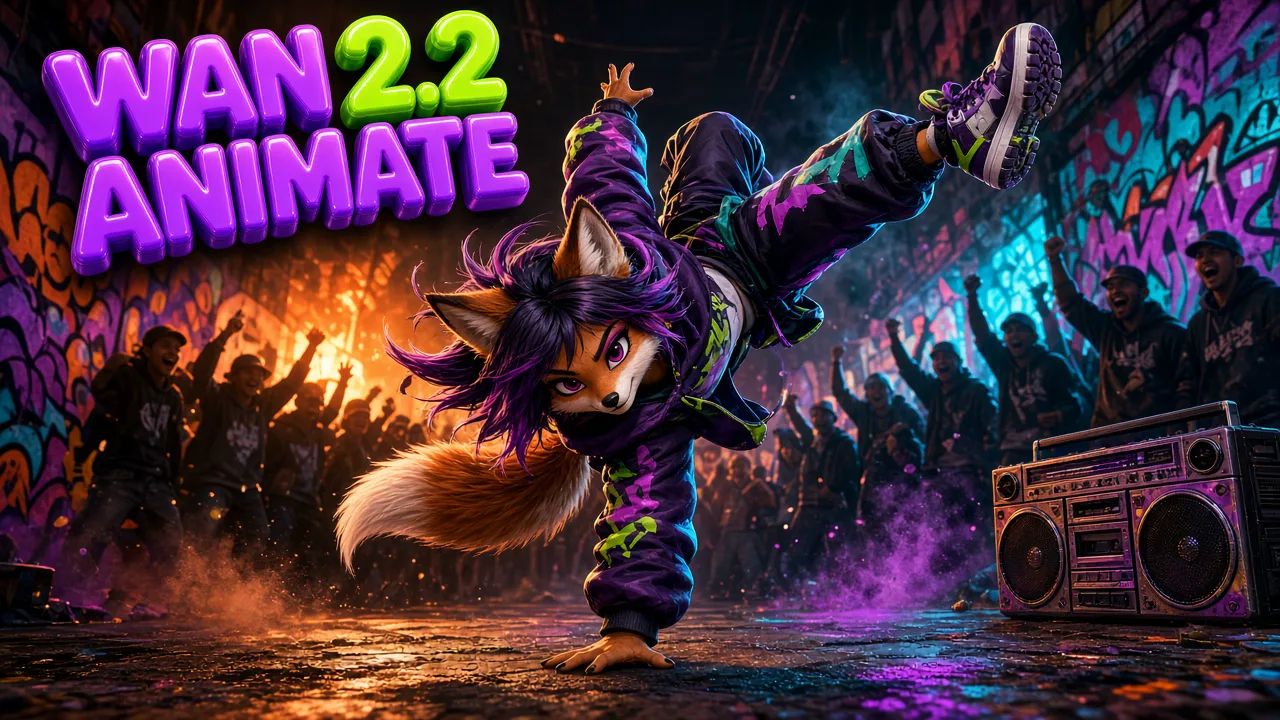
Wan 2.2 Animate brings a still character to life. Upload one character image and one reference video, and the model transfers the body movement and facial expressions from the video to your character while keeping its face, outfit, art style and background. It works with real people, anime figures, illustrations, animals and creatures.
Create nowWan 2.2 Animate Core Features
Wan 2.2 Animate is the animation mode of the Wan 2.2 character model. Instead of writing a prompt, you show it the performance you want. It reads the skeleton motion and the facial expressions in your reference clip, then rebuilds that performance with your character, so the result moves like the video and looks like your image. Switch to Replace mode to do the opposite: your character steps into the reference clip and takes over its scene, lighting and color.
Animate Any Character From One Image
Portraits, sketches, game characters and product mascots all start as a single still. Wan 2.2 Animate turns that still into a moving video with realistic body movement and facial expressions, without rigging, keyframes or filming the character yourself. Pick a reference clip with the energy you want, and your character performs it.
- One image is enough to start
- No rigging, keyframes or motion capture
- Body and face animated together
Expressive Faces, Even on Creatures
Facial detail is transferred along with the body. Eyebrows, eye direction, mouth shapes and small head tilts follow the performer, so dialogue and reactions read clearly. The model also generalizes beyond humans: animals, cartoon figures, monsters and stylized art pick up the same expressions while keeping their own anatomy. Close-up references with clear facial movement give the most detailed expressions.
- Eyes, brows and mouth follow the performer
- Works on animals, cartoons and creatures
- Character anatomy and style stay intact
Smooth Dance and Action Motion
Skeleton-based tracking keeps body movement stable from frame to frame, even in fast or complex sequences. Spins, jumps, arm waves and footwork stay consistent, which makes it a strong fit for dance templates, challenge videos and action moves. Use a clear reference with the full body in frame for the best tracking. Wan 2.2 Animate also copies the timing of each move, so pauses, accents and quick changes of direction land exactly where they happen in the reference clip.
- Stable limbs in fast moves
- Spins, jumps and footwork stay coherent
- Ideal for dance challenges and templates
Your Character, Your Scene
In animation mode the output keeps the background, lighting and colors of your character image. Only the motion comes from the reference video, so a portrait shot against a warm wall stays against that warm wall. That makes it easy to keep a consistent look across a series of clips built from the same image. Use a clean, well-lit image with the full outfit visible, and the character keeps its details from the first frame to the last.
- Background of your image is kept
- Lighting and colors stay consistent
- Same character across a whole series
Original Audio Kept in Sync
The result keeps the audio from your reference video. Music, dialogue and ambient sound stay aligned with the new visuals, so a dance clip lands on the beat and a spoken line still matches the gestures. There is no separate audio step: what you hear in the reference is what you get in the output. If the reference has no sound, the result is silent too, so pick a clip that already carries the soundtrack or the dialogue you want.
- Music stays on the beat
- Dialogue lines up with gestures
- No extra audio editing needed
How to Create With Wan 2.2 Animate
Three steps from a still image to a moving character. The workspace checks both files and shows the credit quote, based on the length of your reference video, before you generate. Nothing is generated until you confirm, and if the image or the clip falls outside the accepted size, length or format, the box explains what to change before you upload again.
- 01
Add Your Character Image
Upload one clear JPG, PNG or WEBP up to 5 MB. A full or half body shot with the face visible works best, and the pose should be similar to the start of your reference clip. Real photos, anime art, 3D renders and animals all work.
- 02
Add a Reference Video
Upload an MP4 or MOV of 3 to 30 seconds, up to 100 MB. Choose a clip with one performer, a steady camera and the whole movement in frame. The motion, the expressions and the audio of this clip drive the result.
- 03
Generate and Download
Check the quote, which follows the length of the reference video, then generate a 720p video. Preview the motion, download the MP4, or try another reference clip with the same character for a new performance.
Wan 2.2 Animate vs Kling 3.0 Motion Control
Both models copy movement from a reference video onto your character image. Wan 2.2 Animate keeps the reference audio and costs fewer credits per second. Kling 3.0 Motion Control adds a 1080p option and lets you choose whether the character follows the orientation of the image or of the video. Choose Wan 2.2 Animate for affordable 720p clips that keep the original sound, and choose the Kling model when you need sharper 1080p output or a different orientation.
| Compare | Wan 2.2 Animate | Kling 3.0 Motion Control |
|---|---|---|
| Best for | Dance templates, reactions and stylized characters at low cost | High-fidelity dance and full-body moves |
| Inputs | One character image and one reference video | One character image and one motion video |
| What transfers | Body motion and facial expressions | Full-body movement and expressions |
| Character styles | Real, anime, illustrated, animals, creatures | Real and stylized characters |
| Background | Kept from your character image | Follows your character image |
| Reference audio | Kept in the output | Not used |
| Length | Follows the reference video, 3–30 seconds | Follows the reference video, up to 30 seconds |
| Quality | 720p | 720p or 1080p |
| Photo upload | JPG / PNG / WEBP, up to 5 MB | JPG / PNG, up to 10 MB |
| Video upload | MP4 / MOV, up to 100 MB | MP4 / MOV, up to 100 MB |
| Credits on AngryDance | 25 per second at 720p | 40 per second at 720p · 54 per second at 1080p |
| 10-second clip | 250 credits at 720p | 400 credits at 720p · 540 at 1080p |
Wan 2.2 Animate FAQ
Quick answers about inputs, video length, character styles, audio and credits.
What is Wan 2.2 Animate?+
Wan 2.2 Animate is a character animation model. It takes a still image of a character and a reference video, then creates a new video in which your character performs the body movement and facial expressions from the reference.
What do I need to upload?+
One character image (JPG, PNG or WEBP, up to 5 MB) and one reference video (MP4 or MOV, 3 to 30 seconds, up to 100 MB). No prompt is needed, because the reference video describes the performance.
How long can the video be?+
The output follows the length of your reference video, from 3 up to 30 seconds. Trim the reference to the part you want before uploading to keep the clip focused and the credit cost low.
Does it keep the background of my image?+
Yes. In this animation mode the background, lighting and colors come from your character image. Only the motion and expressions are taken from the reference video. Want your character inside the reference scene instead? Choose Replace mode in the workspace. It swaps the person in the video for your character and matches the clip's lighting and color.
Does the result keep the original audio?+
Yes. The model keeps the audio of your reference video, so music, dialogue and ambient sound stay in sync with the new movement.
Can it animate cartoons, animals or creatures?+
Yes. The model generalizes to anime characters, illustrations, 3D figures, animals and fantasy creatures, keeping their own anatomy and style while copying the performance.
What makes a good reference video?+
One clearly visible performer, a mostly steady camera, the full movement inside the frame and a pose at the start similar to your character image. Busy crowds, heavy cuts and partly hidden bodies make tracking harder.
How many credits does Wan 2.2 Animate use?+
Credits follow the length of the reference video at 25 credits per second, so a 10-second clip costs 250 credits. The workspace shows the exact quote before you generate, and new accounts can claim free credits. Replace mode costs 12, 19 or 25 credits per second at 480p, 580p or 720p and accepts a source video and a character image of up to 10 MB each.
Which resolution do I get?+
Videos are generated at 720p, which suits social clips, dance templates and previews. For 1080p motion transfer, use Kling 3.0 Motion Control.
How is Wan 2.2 Animate different from Kling 3.0 Motion Control?+
Both copy motion from a video. Wan 2.2 Animate keeps the reference audio and costs less per second at 720p. Kling 3.0 Motion Control offers 1080p and a character orientation setting for more control over full-body dance.
Can I use the videos commercially?+
Use images and reference videos you own or are authorized to use, including permission for any real person's likeness. Review AI output before sharing or commercial use, because it may contain errors or unintended similarities. The Terms page has the full rules.