Kling AI Avatar 2.0
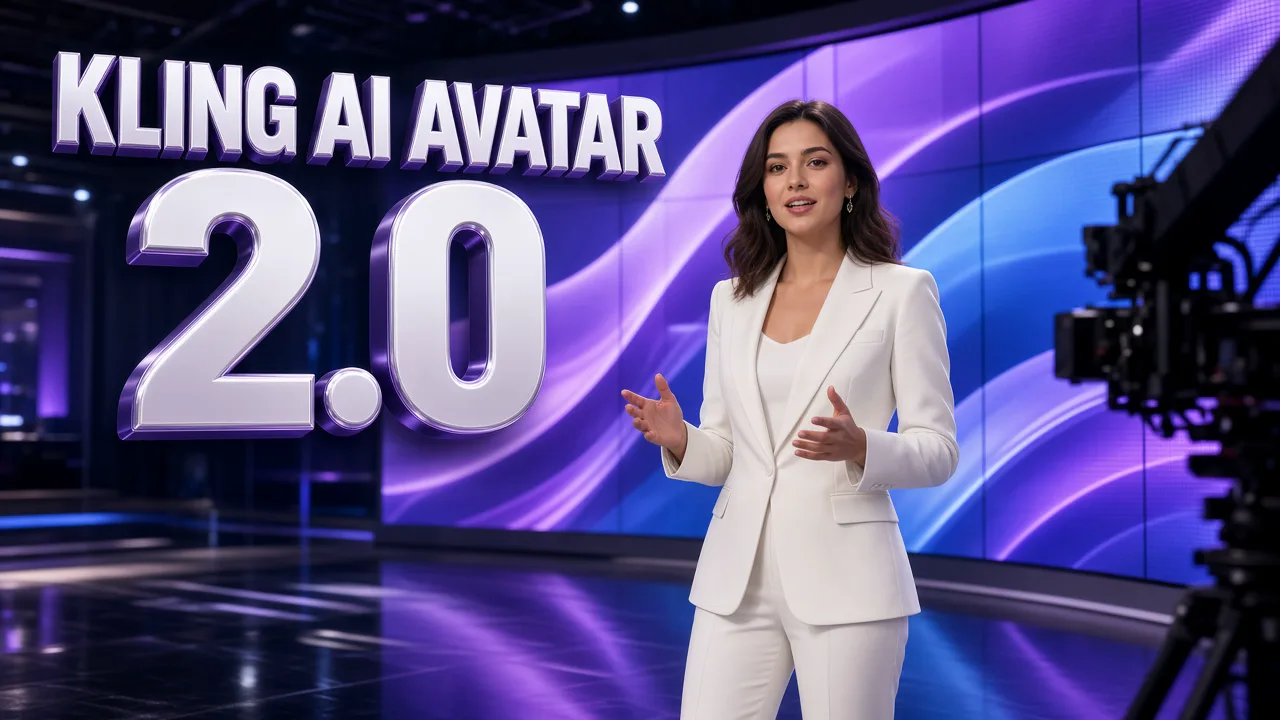
Kling AI Avatar 2.0 creates expressive talking avatar videos from a single image and an audio file. Add a portrait, add speech or singing, describe the mood, and the character speaks with accurate lip sync, natural facial expressions and steady hand gestures. It works with real people, anime characters, illustrations and stylized mascots.
Create nowKling AI Avatar 2.0 Core Features
Avatar 2.0 is the upgraded audio-driven avatar model. Compared with the first version it delivers richer facial expressions, more natural body movement, clearer and more stable hands, and broader coverage across speaking and singing. A portrait and a voice are all you need; there is no face rigging, animation setup or filming.
Natural Performance and Body Movement
The character does more than move its lips. Head turns, shoulder sways, eye contact and full upper-body motion follow the rhythm and emotion of the audio, so an excited line looks excited and a calm explanation looks calm. Gestures support what is being said, which makes explanations clearer and performances more engaging. Pauses, breaths and changes of pace in the recording show up as small, natural reactions on the face, so longer lines do not look frozen between words.
- Expressions match the tone of the voice
- Head, shoulder and body motion in rhythm
- Energy that follows the audio from start to end
Stable, Clear Hand Gestures
Unstable or blurry hands were a weak point of earlier avatar tools. The 2.0 model tracks hands far more reliably: fingers stay defined, palms come together cleanly and gestures stay consistent across the clip. Ask for a gesture in your prompt, such as hands together in front of the chest, and it reads as a natural part of the delivery.
- Defined fingers and clean hand shapes
- Prompted gestures that look natural
- Consistent hands from the first frame to the last
Singing and Musical Performance
Kling AI Avatar 2.0 handles singing as well as speech. Mouth shapes follow the melody and held notes, while the head and body sway with the music and the face shows the feeling of the song. Use it for cover clips, music teasers, lyric moments and character songs, with the vocal you upload driving the whole performance.
- Lip sync that follows melody and long notes
- Body sway in time with the beat
- Emotional delivery for ballads and upbeat songs
Real, Anime, Illustrated and Stylized Characters
The model is not limited to photorealistic faces. It keeps the identity and art style of real portraits, anime heroes, illustrated figures, 3D characters and cute mascots, so a cartoon cat can rap and a game character can introduce itself without losing its look. Match the prompt to the style: subtle direction for real people, bolder expression for stylized ones.
- Real people, anime and illustrations
- 3D characters, mascots and pets
- Original identity and style preserved
Multilingual Presenters and Product Ads
Speech and singing work across many languages, with facial motion that follows each language's rhythm. Turn one portrait into a presenter for tutorials, onboarding, product explainers or branded ads, and keep the same face across every version. Optional prompt guidance shapes the tone: calm and professional, friendly with subtle head movement, or energetic. Because the clip length follows your audio, a 10-second greeting and a 15-second product pitch are both easy to plan and price before you generate.
- Many languages from the same portrait
- Consistent face for a recurring presenter
- Ready for tutorials, explainers and ads
How to Create With Kling AI Avatar 2.0
Three steps from a portrait to a talking video. The workspace checks your files and shows the credit quote, based on the length of your audio, before you generate. Standard and Pro use the same portrait and the same audio, so you can preview the delivery in 720p first and render the final take in 1080p once the performance feels right.
- 01
Add a Portrait
Upload one clear JPG or PNG up to 10 MB. Good lighting, a visible face with nothing covering the mouth, and a front-facing or slightly angled pose give the most stable lip sync. Real photos, anime art and stylized characters all work.
- 02
Add the Voice and Describe the Mood
Upload speech or singing as MP3, WAV, AAC, M4A or OGG, up to 15 seconds. Clean audio with little background noise works best. Then write a short prompt with the persona, the expression and the motion style, for example: calm, friendly, subtle head movement.
- 03
Choose Quality and Generate
Pick Standard for 720p or Pro for 1080p at 48 fps. Check the quote, which follows your audio length, then generate. Preview the lip sync and gestures, download the MP4, or adjust the prompt for another take.
Kling AI Avatar 2.0 vs Kling 3.0 Motion Control
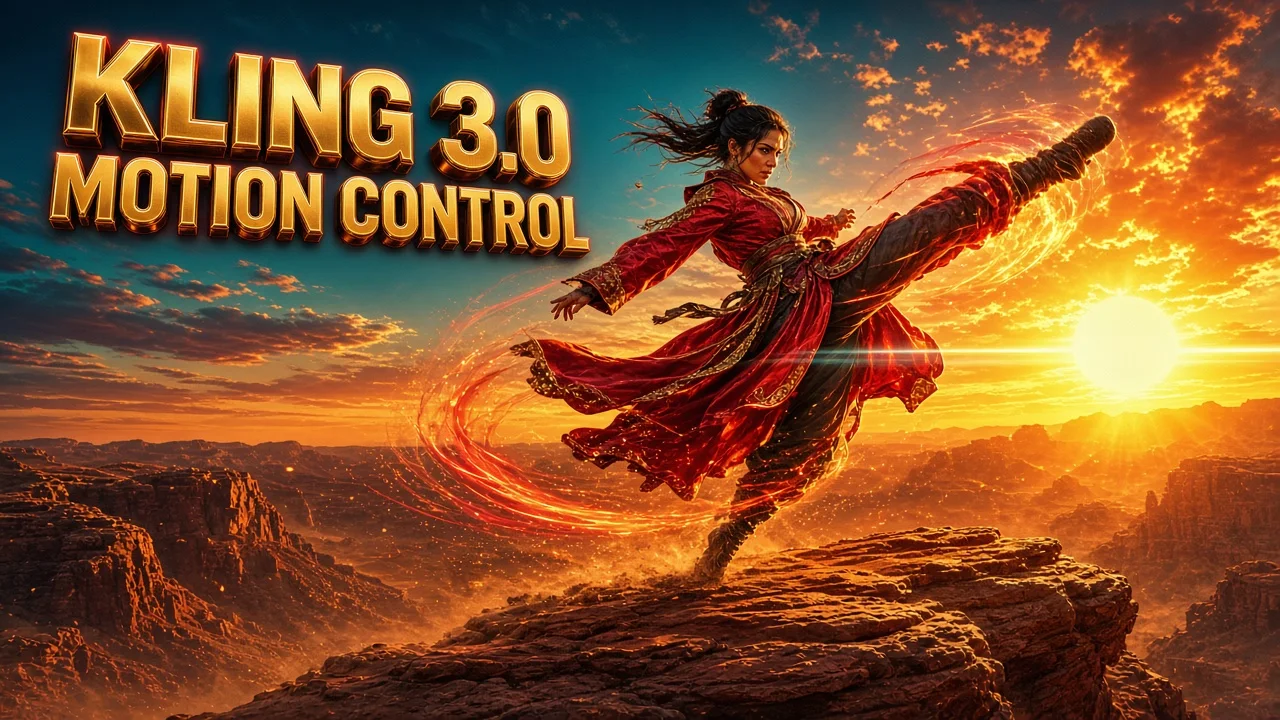
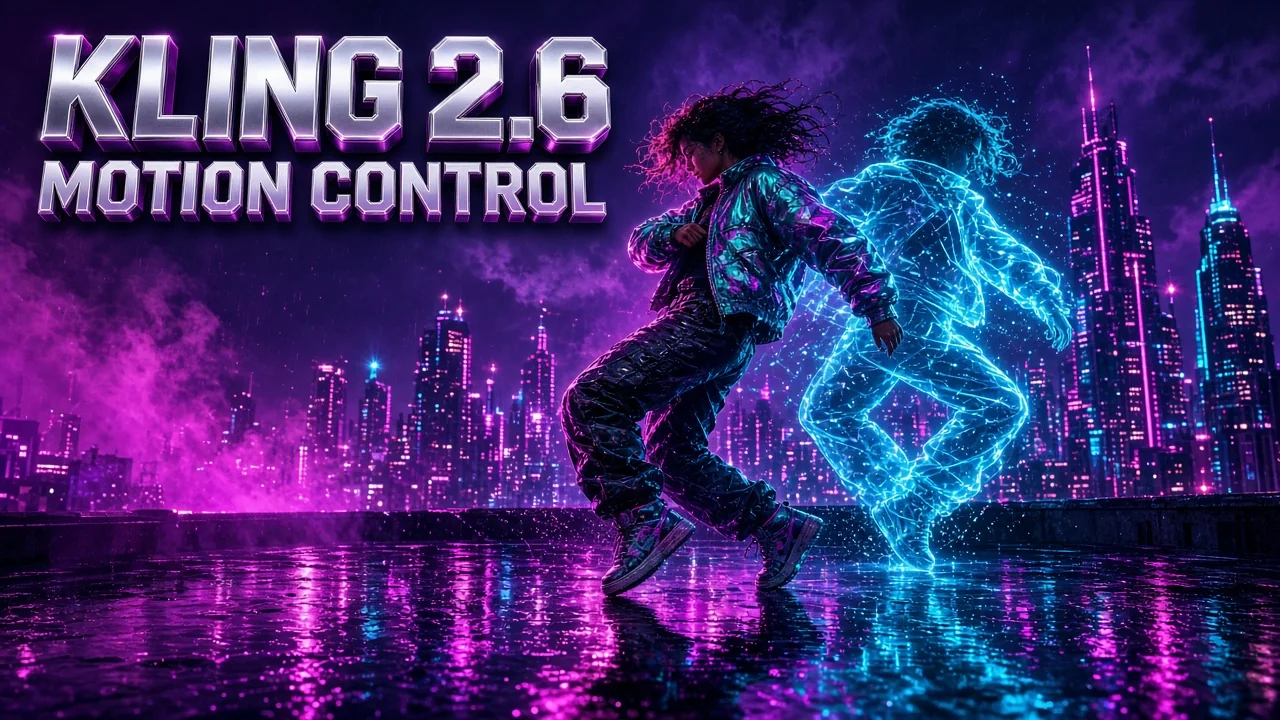
Both models make your character perform. Kling AI Avatar 2.0 is driven by a voice: it lip-syncs speech or singing. Kling 3.0 Motion Control is driven by a video: it copies dance and body movement from a reference clip. Pick Kling AI Avatar 2.0 when the words or the song carry the scene, and pick the motion model when the movement matters more than the voice.
| Compare | Kling AI Avatar 2.0 | Kling 3.0 Motion Control |
|---|---|---|
| Best for | Talking heads, singing, presenters and ads | Dances and moves copied from a reference video |
| Driven by | Your voice or song audio | A motion reference video |
| Inputs | One portrait, one audio file and a prompt | One character image and one motion video |
| What moves | Lips, face, head, hands and upper body | Full-body movement from the reference |
| Character styles | Real, anime, illustrated, stylized | Real and stylized characters |
| Length | Follows your audio, up to 15 seconds | Follows the reference video, up to 30 seconds |
| Quality | 720p Standard · 1080p 48 fps Pro | 720p or 1080p |
| Photo upload | JPG / PNG, up to 10 MB | JPG / PNG, up to 10 MB |
| Audio upload | MP3, WAV, AAC, M4A, OGG | Not needed |
| Prompt | Required: persona, expression, motion style | Optional |
| Credits on AngryDance | 16 per second Standard · 32 per second Pro | 40 per second at 720p · 54 per second at 1080p |
| 10-second clip | 160 credits Standard · 320 Pro | 400 credits at 720p · 540 at 1080p |
Kling AI Avatar 2.0 FAQ
Quick answers about inputs, audio length, character styles, quality options and credits.
What is Kling AI Avatar 2.0?+
Kling AI Avatar 2.0 is an audio-driven avatar video model. From one image and one audio file it creates a video in which the character speaks or sings with matching lip sync, facial expressions, head movement and hand gestures.
What do I need to upload?+
A portrait (JPG or PNG, up to 10 MB) and a voice file (MP3, WAV, AAC, M4A or OGG, up to 15 seconds), plus a short prompt describing the expression and motion style.
How long can the video be?+
The video matches your audio. On AngryDance each avatar video uses up to 15 seconds of audio, which suits hooks, greetings, ads, lyric moments and short explanations. For longer scripts, split the audio into parts and keep the same portrait.
Can it sing as well as talk?+
Yes. Upload a sung vocal or a rap and the mouth follows the melody and rhythm while the head and body sway with the music.
Does it work with cartoon or anime characters?+
Yes. It keeps the identity and style of anime characters, illustrations, 3D figures and mascots as well as real portraits. A clear, unobstructed face gives the best result.
Which languages are supported?+
Speech and singing work in many languages, including English, Chinese, Japanese and Korean. Lip sync follows the audio you upload, so use clean, clearly pronounced recordings.
What is the difference between Standard and Pro?+
Standard outputs 720p and costs less, which suits high-volume narration and presenters. Pro outputs 1080p at 48 fps with richer facial detail and more expressive motion for marketing and premium characters.
How many credits does Kling AI Avatar 2.0 use?+
Credits follow the length of your audio. Standard costs 16 credits per second and Pro costs 32 credits per second, so a 10-second clip is 160 or 320 credits. The workspace shows the exact quote before you generate, and new accounts can claim free credits.
Why is the prompt useful?+
The audio drives the lips; the prompt shapes the performance. Describe the persona, the expression and the motion style in a short sentence, such as an energetic host who smiles and nods, to steer emotion and gestures.
How do I get the best lip sync?+
Use a well-lit portrait with the mouth fully visible, a front-facing or slightly angled pose, and clean audio without music bleeding over speech. Natural pacing gives smoother facial timing than very fast speech.
Can I use the videos commercially?+
Use portraits, voices and prompts you own or are authorized to use, including permission for any real person's likeness and voice. Review AI output before sharing or commercial use, because it may contain errors or unintended similarities. The Terms page has the full rules.